
01
Assumes normal distributions
FlowCal validation assumes your data behaves like a normal curve. Many meters don’t — especially with operational changes and seasonal effects.
NDL · Meter Setpoints
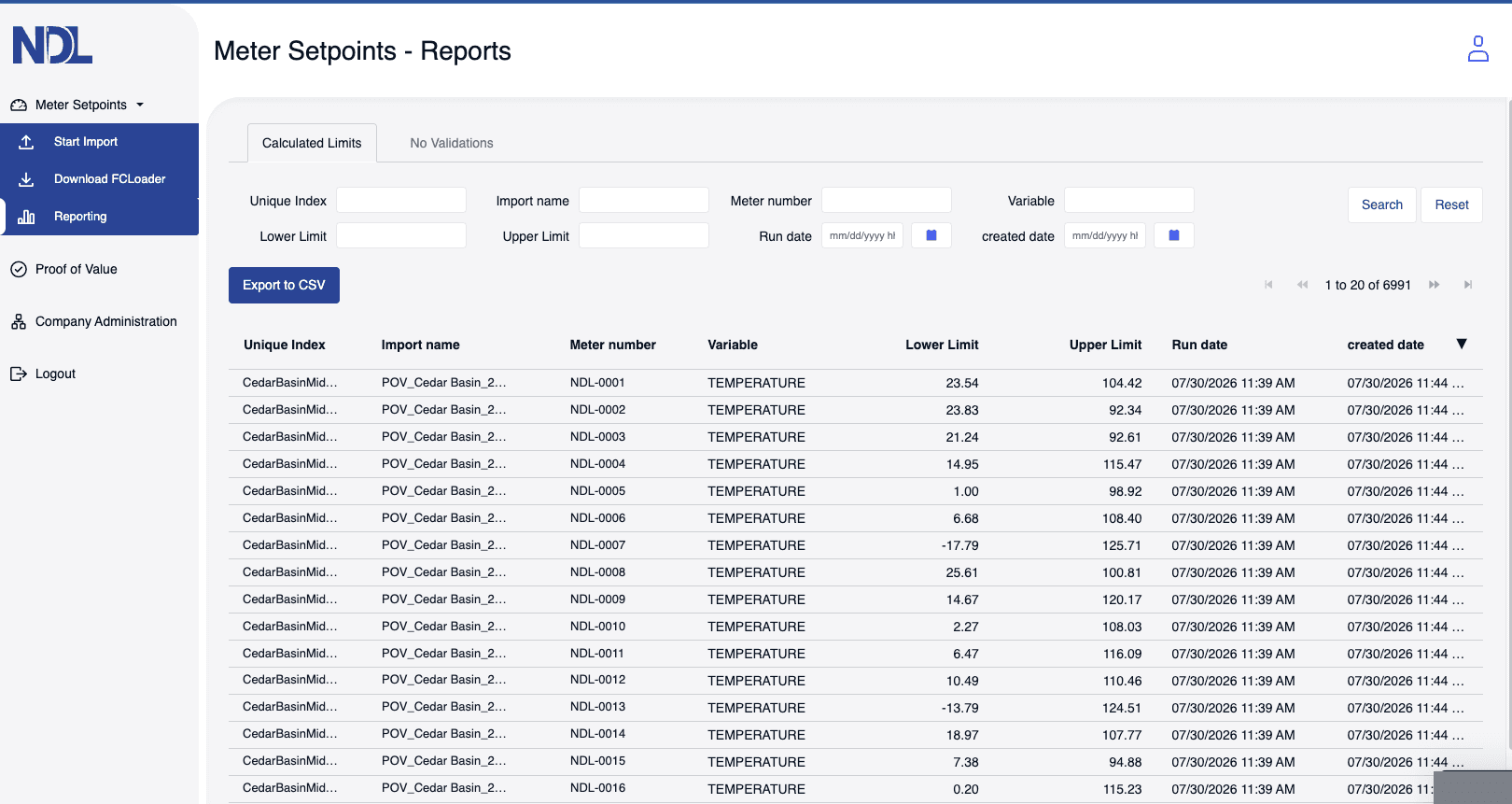
Meter Setpoints reads your own FlowCal history and calculates High/Low validation limits meter by meter — then shows the exception counts before and after, on the same period, so the value is proven before anything gets loaded.
Pay as you use — starting at $0.40 per meter.
No hardware changes. No IT project. Built for FlowCal-based measurement teams.
Why it's needed
FlowCal is powerful — but its validation assumes your meter data is normalized. Real meter data is often skewed, multi-modal, and messy. NDL models the distribution each meter actually has, so you get defensible limits for every meter.
FlowCal validation assumes your data behaves like a normal curve. Many meters don’t — especially with operational changes and seasonal effects.
Assuming a fixed percent of “bad” points floods analysts with fake exceptions and trains teams to ignore alarms.
Tuning high and low limits one meter at a time is slow, hard to repeat, and breaks the moment behavior shifts.
Basic min/max or standard-deviation rules can’t see complex patterns. NDL models the full distribution so you keep the real exceptions.
How it works
Start with a simple export. NDL ingests hourly or daily values per meter along with your existing validation limits.
No database changes required.
Works with typical FlowCal exports.
Our models capture skew, multiple modes, and operational nuance instead of forcing everything into a normal curve.
Per-meter models, not blanket rules.
Finds limits too tight and too loose.
NDL generates recommended high and low validation limits you load back into FlowCal, with a clear rationale.
Fewer nuisance exceptions.
Traceable, defendable change history.
exception volume on the same period, sample account
of history is all we need to build a per-meter model
per meter, usage-based — no platform fee
free meters in your Proof of Value
The product
Benefits
Built for the analysts who live in FlowCal and are tired of noisy validation rules.
Cut exception noise so analysts spend their time on real issues instead of clearing nuisance alarms.
Automate the heavy lifting of setpoint tuning and recurring reviews — without adding headcount.
Every recommendation is backed by the underlying meter data and model, giving you an audit trail for reviews.
Apply one consistent, explainable methodology to meters across basins, systems, and operating regions.
Pricing
Usage-based pricing, designed to return measurable value in analyst time and reduced noise.
Review and accept the agreement, add billing details, and receive your login — all online.
FAQ
No. Meter Setpoints works alongside FlowCal. You export data, we recommend limits, and you decide which to load back. Your existing setup stays intact.
At minimum, 13 months of hourly data per meter (every third hour is enough) for the meters in scope — meter number, timestamp, volume, differential pressure, pressure, and temperature.
Send the query pack to whoever is. It covers on-premise FlowCal and QCloud, Oracle and SQL Server, and needs no integration work.
Data is encrypted in transit and at rest. Access is restricted to your organization, and you control what is uploaded or retained.
They are set aside rather than guessed at. Every one shows up in the No Validations report with the reason, so you can review them separately.
Yes — and you should. Most teams start with 25 to 100 meters, then scale once they have seen the before/after on their own data.